Floating screen mirrors
Select any screen region and keep a live copy exactly where it is easiest to see.
Made for macOS
Mirror any part of your screen into a clean floating overlay. Add cooldowns and alerts, then stay focused on the action.
€7.99 once · No subscription · macOS 13 or later
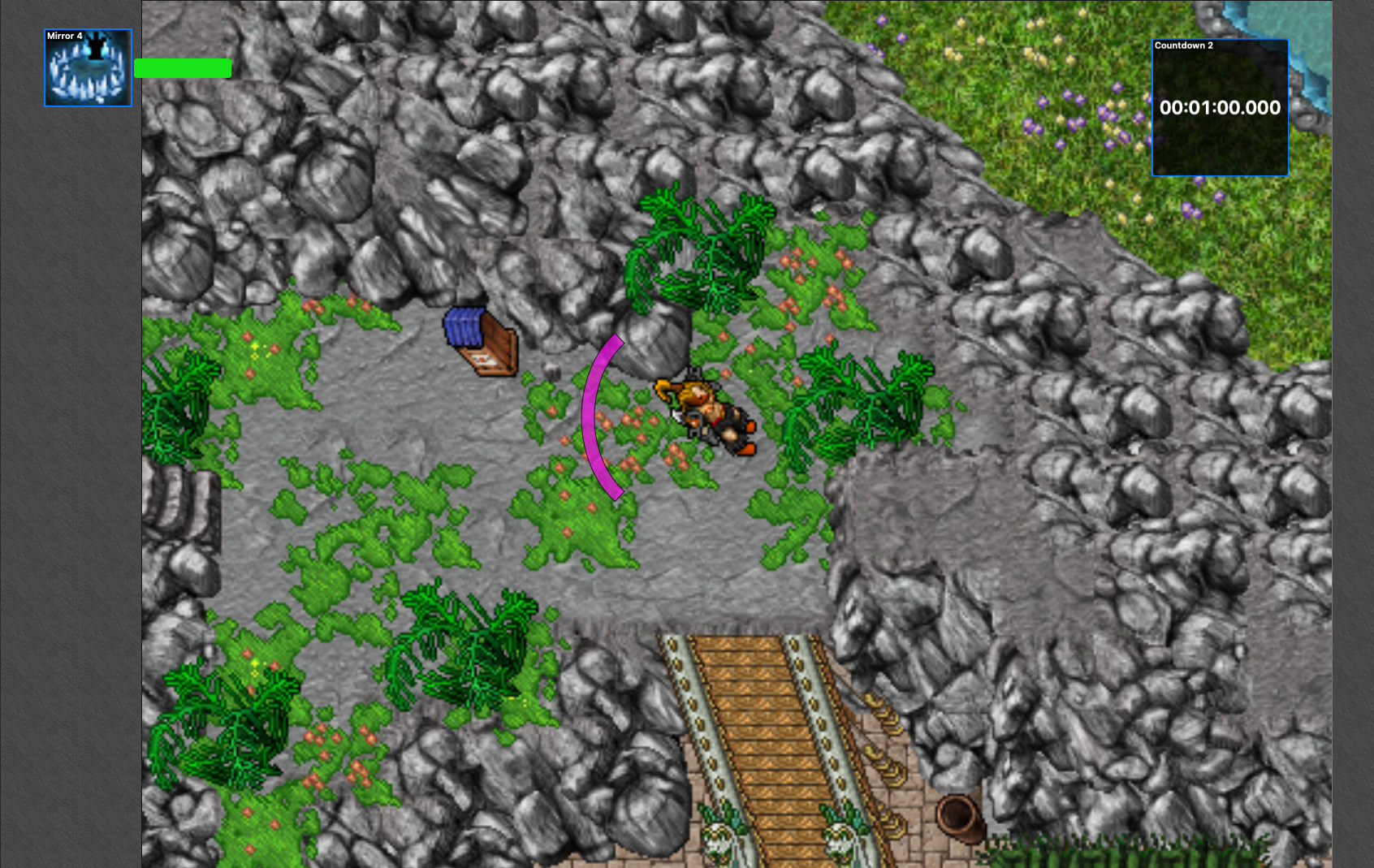
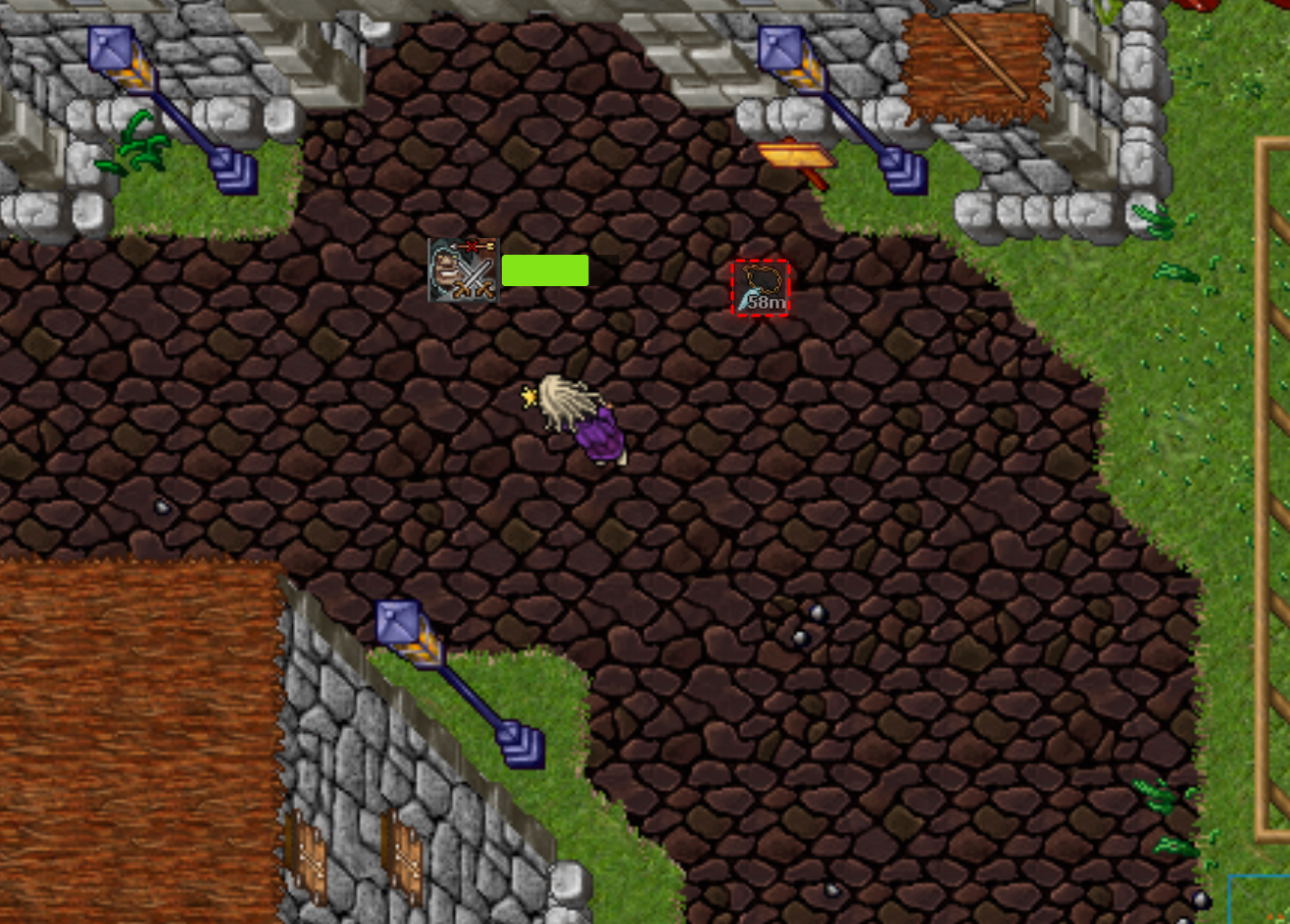
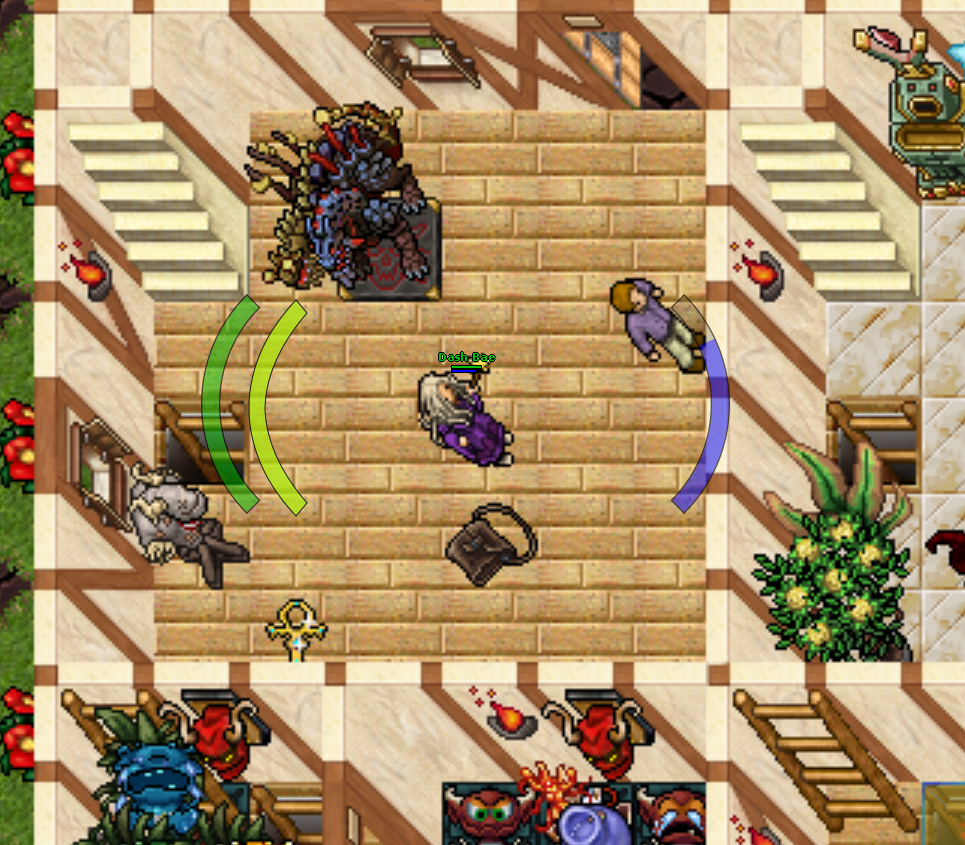
Stay in the flow
Build a setup around the information you actually need, without covering the rest of your screen.
Select any screen region and keep a live copy exactly where it is easiest to see.
Place clear countdowns beside your overlays and trigger them with the shortcuts you choose.
Get a glow or sound when an icon changes, returns, becomes darker, or matches its reference.
Simple by design
Draw around the part of your screen you want to watch.
Mirror it, add an alert, attach a countdown, or combine all three.
Arrange the overlays, switch to play mode, and get back to your game.
Private by default
Screen regions are processed locally. Tibia Auras has no accounts, analytics, advertising, or third-party tracking.
Fair and simple
Every feature is included. No tiers, no recurring payment, and no account to manage.
Questions
Tibia Auras requires macOS 13 Ventura or later and supports both Apple silicon and Intel Macs.
macOS requires this permission before an app can read pixels from your screen. Tibia Auras only processes the regions you configure, locally on your Mac.
No. Screen content is not retained or transmitted. It is processed locally to create your mirrors and alerts.
No. Tibia Auras is a one-time Mac App Store purchase.